When you are browsing Find Players or Champfy Assist results, you should not have to abandon a good search just to learn more about someone.
You can now open a compact player profile preview from a player's photo or View profile. Your results stay put, so you can compare players, start a chat, or open the full profile when you are ready.
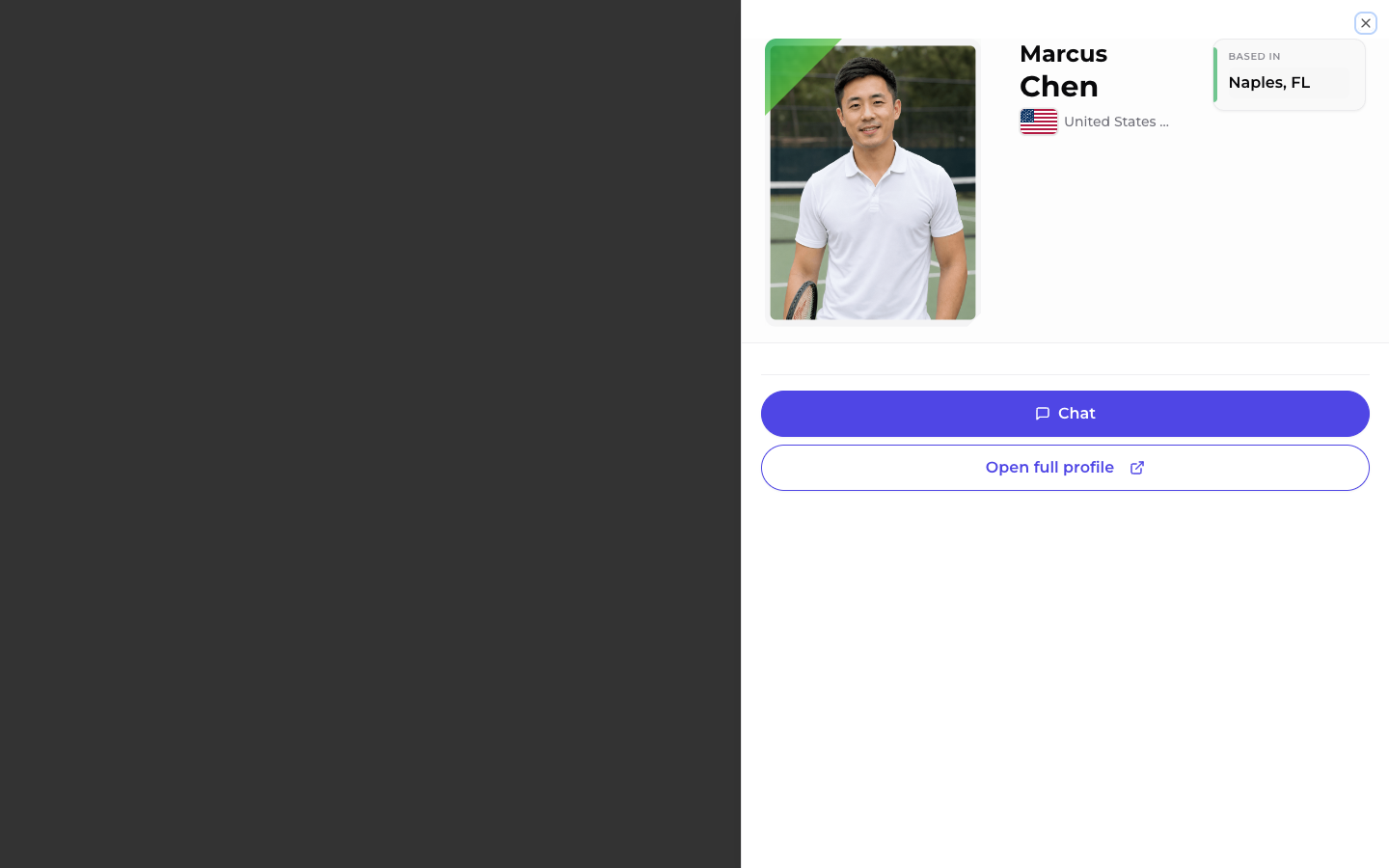
What you get in the preview
The preview shows a quick look at the player: name, photo, location, and other details that help you decide if they are a good match.
From the bottom of the sheet you can:
- Chat to start a conversation without leaving discovery
- Open full profile to see their full page in a new tab, so your search results stay open
How to try it
- Open Find Players and run a search, or ask Champfy Assist to find players near you.
- On a result card, tap the player's photo or View profile.
- Skim the preview, then chat or open the full profile.
If a player does not have a public profile yet, the card still works as before. The photo is not clickable, and you will see Profile unavailable instead of a preview.
Why this matters
Finding a partner is often a few quick checks: level, location, vibe from their bio, then a message. The preview keeps that loop on one screen, so you spend less time bouncing between tabs and more time lining up a game.
Ready to find your next partner?
Search nearby players, preview profiles from your results, and start a chat when someone looks like a fit.