Find Players is cleaner and quicker to use, especially on a phone.
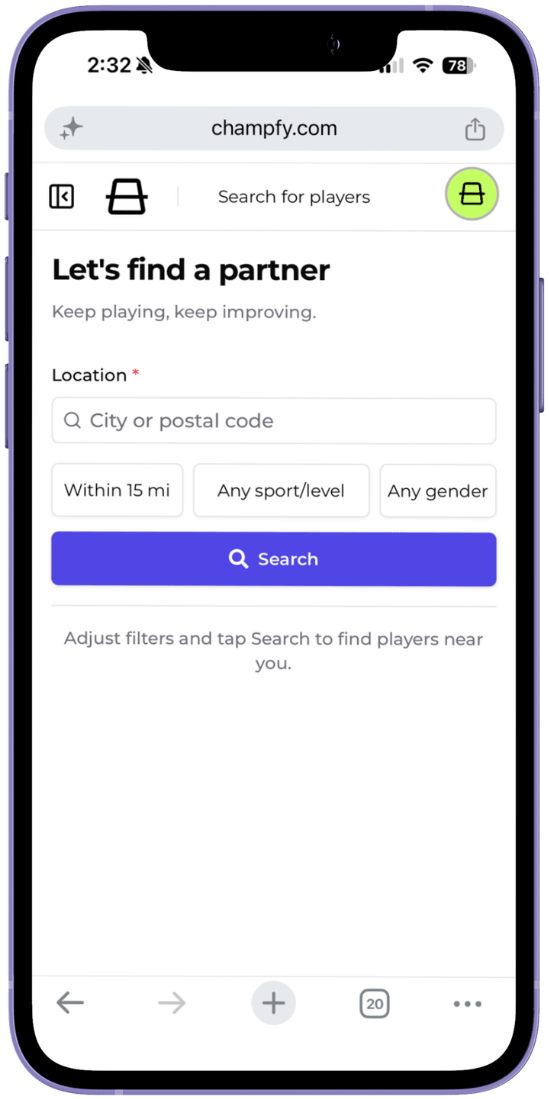
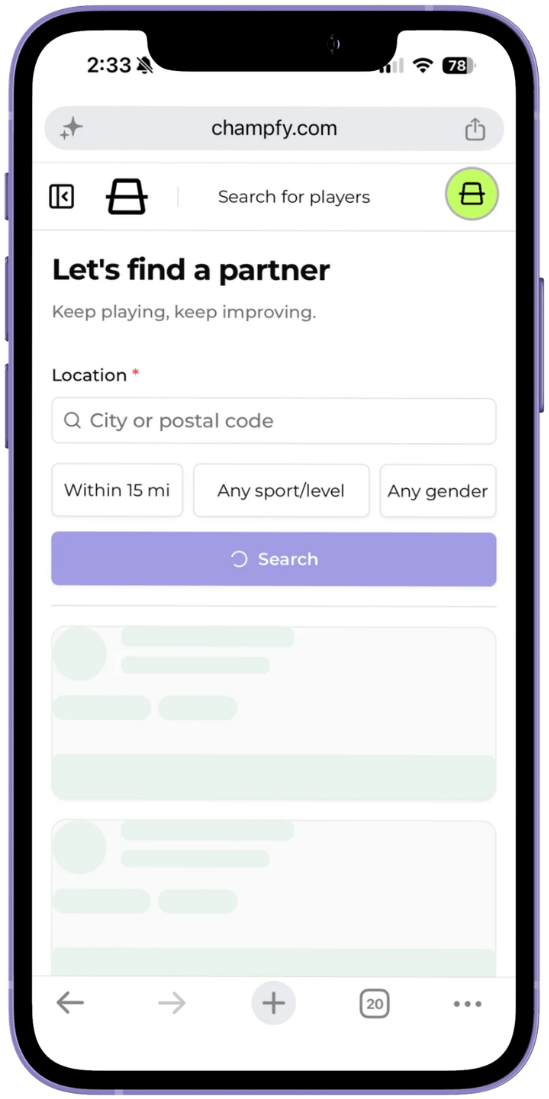
We replaced the tall filter form with a compact chip bar. Your location stays easy to see, and distance, sport and level, and gender now open only when you need them.
What changed
Compact filters that stay out of the way
Distance, sport and level, and gender now sit in a row of filter chips under your location. Tap a chip, make your choice in the sheet, and get right back to your search.
That means less scrolling before you search, and more room for the players you came to find.
The chip labels update as you tune your search, so the current filters stay visible without turning the page into a long form.
Location stays front and center
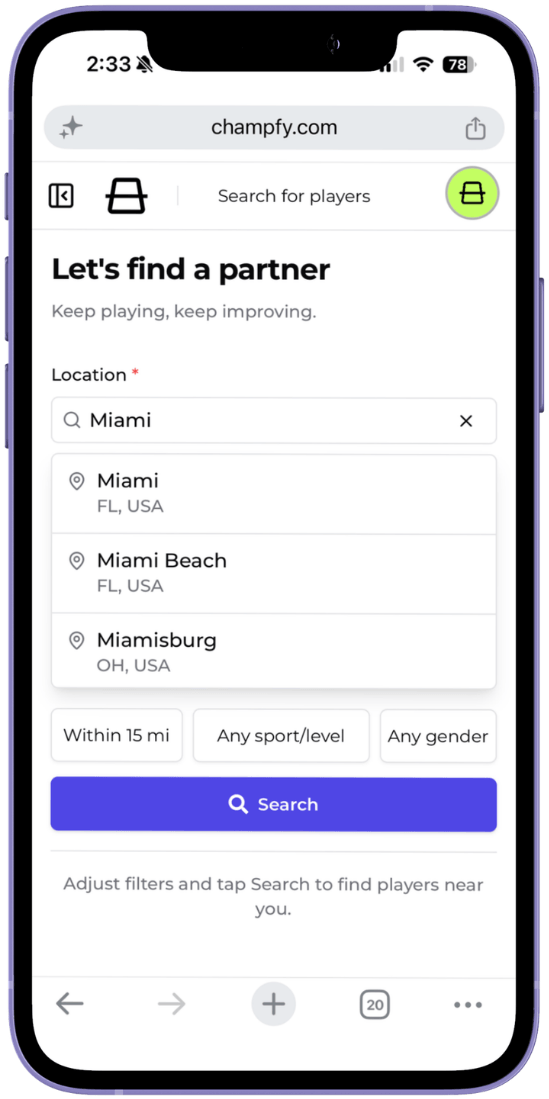
Your search location still lives inline because it is the most important part of finding nearby partners. Start from your profile location, or enter a city, neighborhood, or postal code when you want to play somewhere else.
As you type, Champfy suggests matching places so you can pick the right area before searching.
Distance opens in a focused sheet
Tap the distance chip to choose how wide your search should be. The slider gives you one clear control, with the selected distance shown next to it.
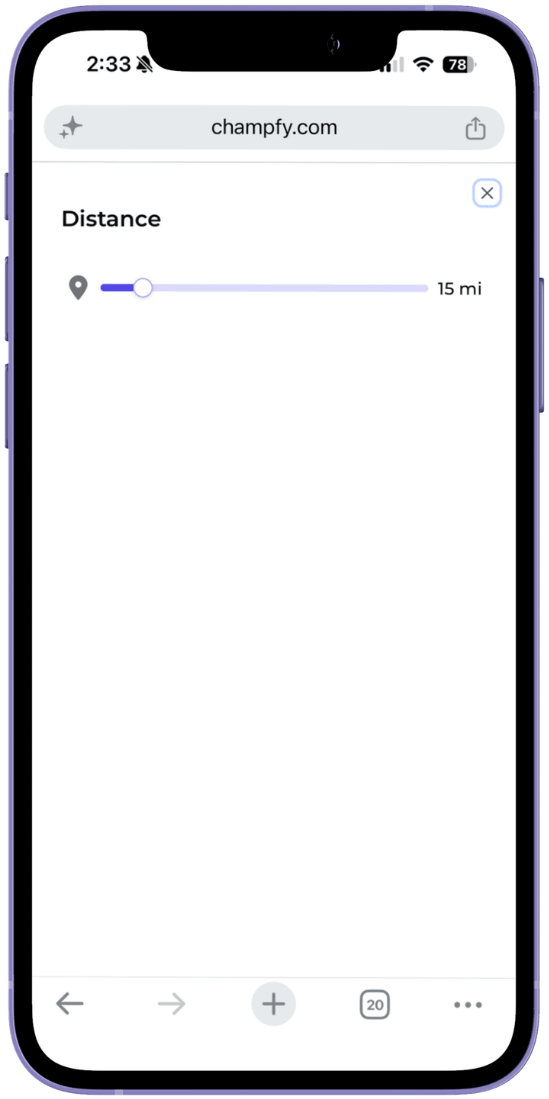
Use a smaller radius when you want a nearby game, or widen it when you are willing to travel for the right partner.
Sport and level stay paired
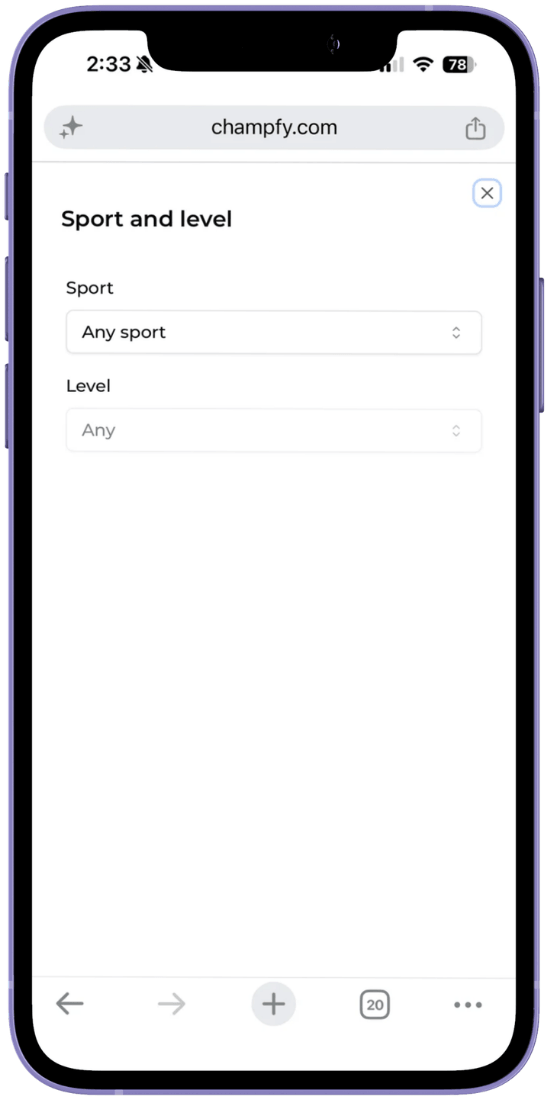
Tap Any sport/level to choose the sport first, then narrow by the matching level. Keeping those two settings together makes the search easier to understand because level depends on the sport you pick.
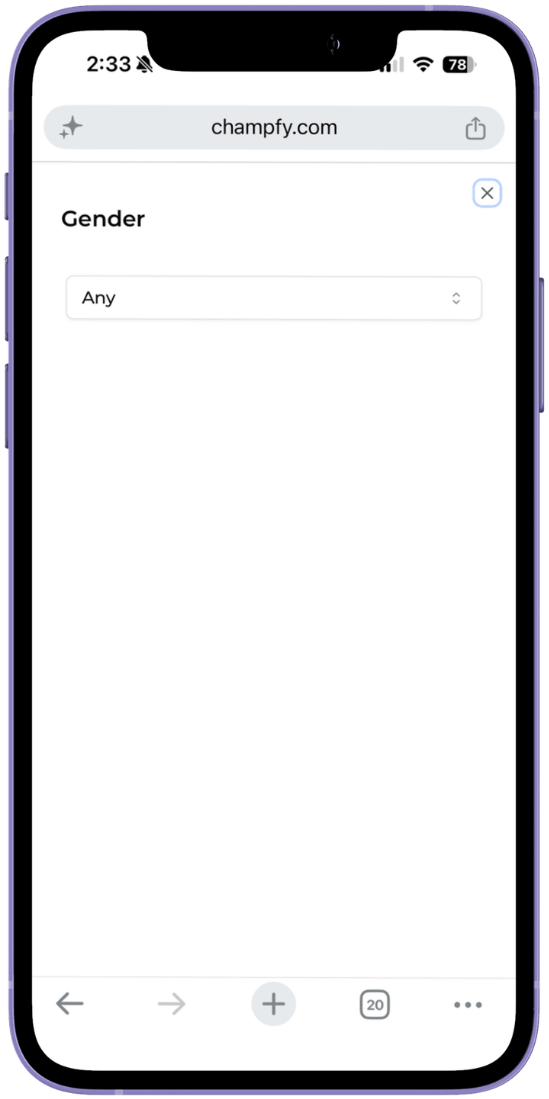
Gender has its own quick chip
Tap Any gender when you want to narrow who appears in your results. It uses the same compact sheet pattern, so the filter is there when you need it and out of the way when you do not.
Clearer feedback while Champfy searches
The Search button now shows when work is happening. First searches show a loading skeleton, repeat searches show a quick "Searching..." banner, and the page gives you a simple hint before you run a search.
On mobile, Champfy also moves you down toward results after you tap Search, so you do not have to hunt for what changed.
Try it today
Open Find Players, choose where you want to play, and use the chips to narrow the search to the right distance, sport, level, and gender.
Ready to find your next partner?
Search nearby players by location, sport, level, distance, and gender.